

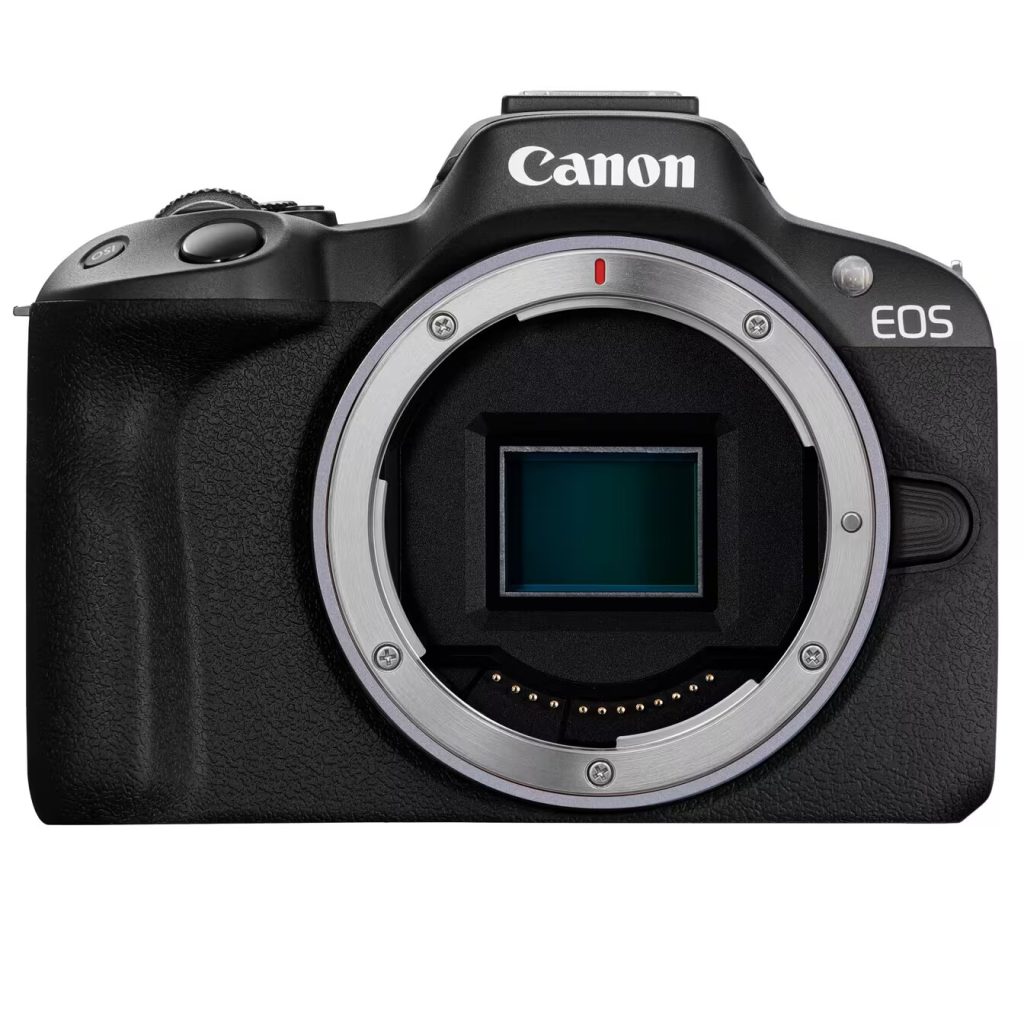
Canon R50 Guide (EOS R50)
The Canon EOS R50 is Canon’s compact APS‑C entry into the modern RF / RF‑S system. Practically, it’s built for people who want a small stills camera that also handles creator-style video (4K30, webcam over USB, mic input) without stepping up to larger bodies like the R10/R7.
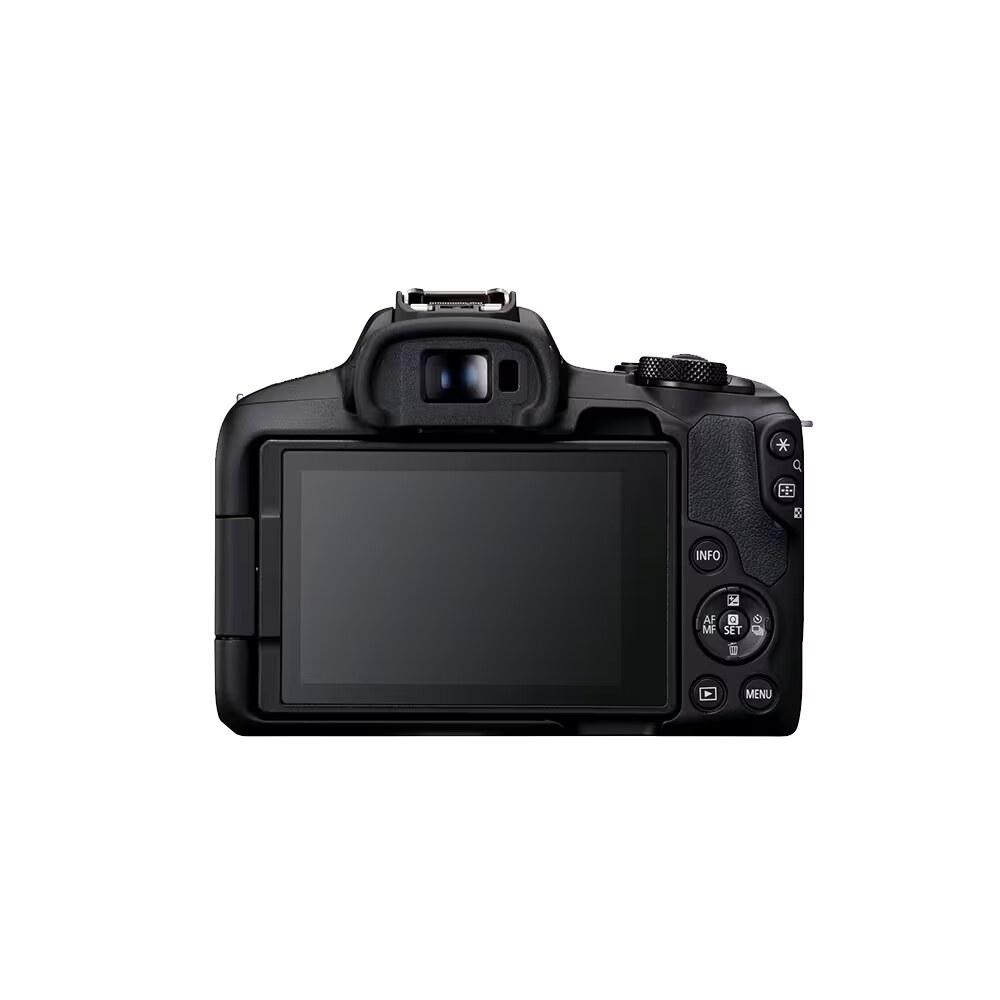
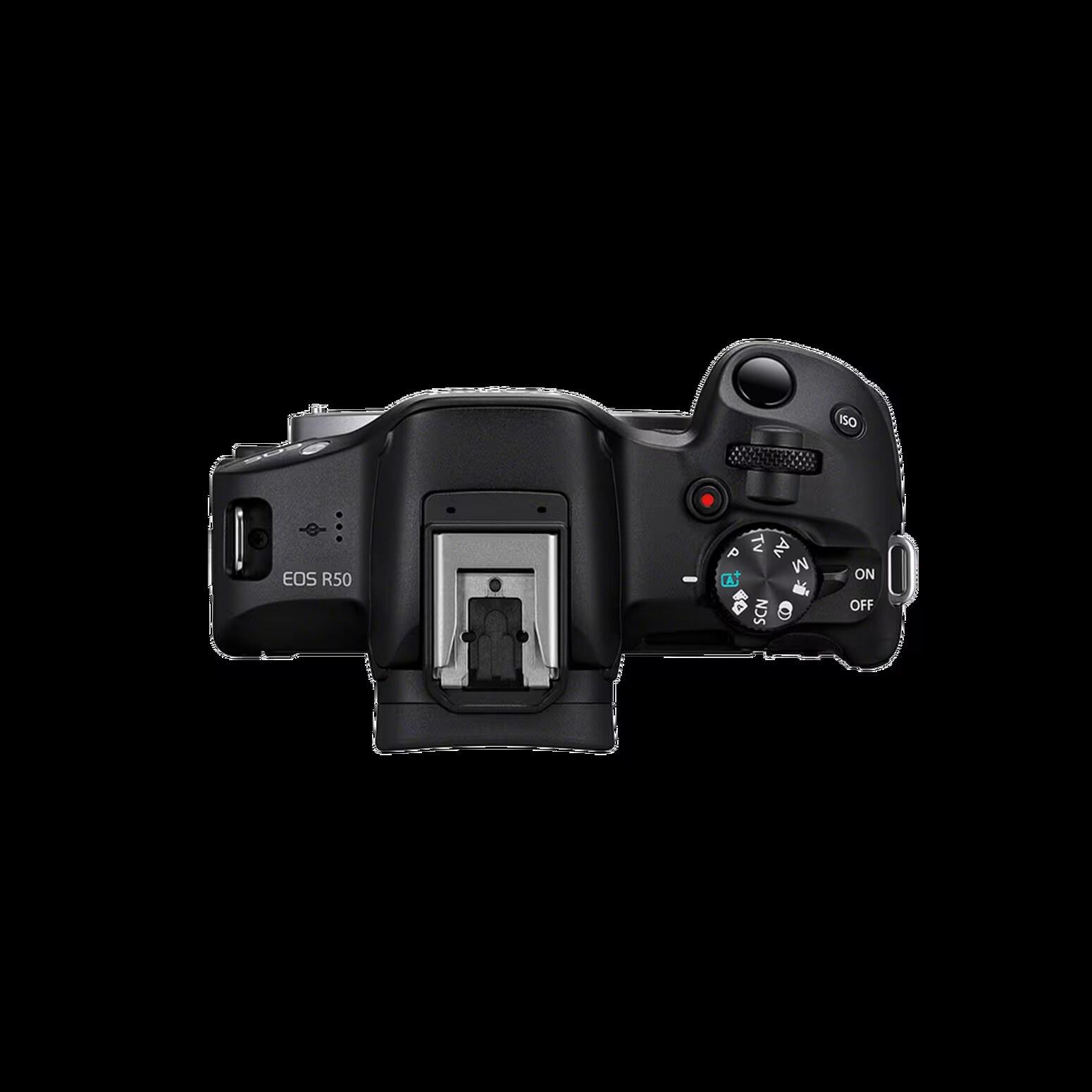
Why this matters: the R50 is a “system decision” camera. If you’re coming from the older M50/M50 Mark II (EF‑M), the R50 is a clean path into RF/RF‑S without having to jump straight to a bigger, more expensive body.
Canon R50 at a glance (Canon-sourced)
- Sensor: APS‑C CMOS (approx. 22.3 × 14.9 mm)
- Resolution: 24.2 MP effective (25.5 MP total)
- Processor: DIGIC X
- Mount: Canon RF mount (RF + RF‑S lenses; EF/EF‑S via Canon EF‑EOS R adapters; EF‑M not compatible)
- Files: JPEG, HEIF, RAW (.CR3), C‑RAW
- Cards: SD / SDHC / SDXC; UHS‑I supported (single slot)
- UHS-II clarification: a UHS-II card may physically work, but Canon documents the R50 as a UHS-I body, so you should not expect UHS-II speed benefits.
- Video headline: 4K up to 29.97/25/23.98p; Full HD up to 59.94/50p; High Frame Rate Full HD up to 119.88/100
Recommended SD cards (standardized, mobile-friendly)
Best default (photos + 4K)
- Buy: UHS‑I U3 / V30 SDXC
- Capacity: 128GB is the sweet spot; 256GB if you shoot lots of video
- Why: Canon’s card requirement table points to UHS Speed Class 3 for many 4K / high frame rate modes
- Skip: paying extra for UHS‑II speed claims here, because Canon documents the R50 as a UHS‑I body.
Ports and audio quick answers
- Mic input: yes, the R50 supports an external 3.5mm microphone input.
- Headphone jack: no dedicated headphone output, so if you need live monitoring you should plan on playback checks or external-recorder monitoring.
That makes the R50 workable for creator video, but not a body you buy for full on-camera audio monitoring.
Quick links (Canon R50)
- Canon R50 specs (practical spec sheet)
- Canon R50 video specs
- M50 vs M50 Mark II comparison (if you’re cross-shopping older compact Canon bodies)
Quick answers (Canon R50)
SD cards and storage
Video + streaming workflow
- Canon R50 recording limit (max clip length)
- Canon R50 webcam over USB: can you use it for streaming?
Audio / ports
Bottom line
The R50 is a very good lightweight all-rounder for beginners, travel/family shooters, YouTubers, teachers, and creators moving up from a phone. It’s less ideal if you already know you need dual card slots, headphone monitoring, UHS‑II media, long-form heat-tolerant production recording, or a more advanced control layout.
