

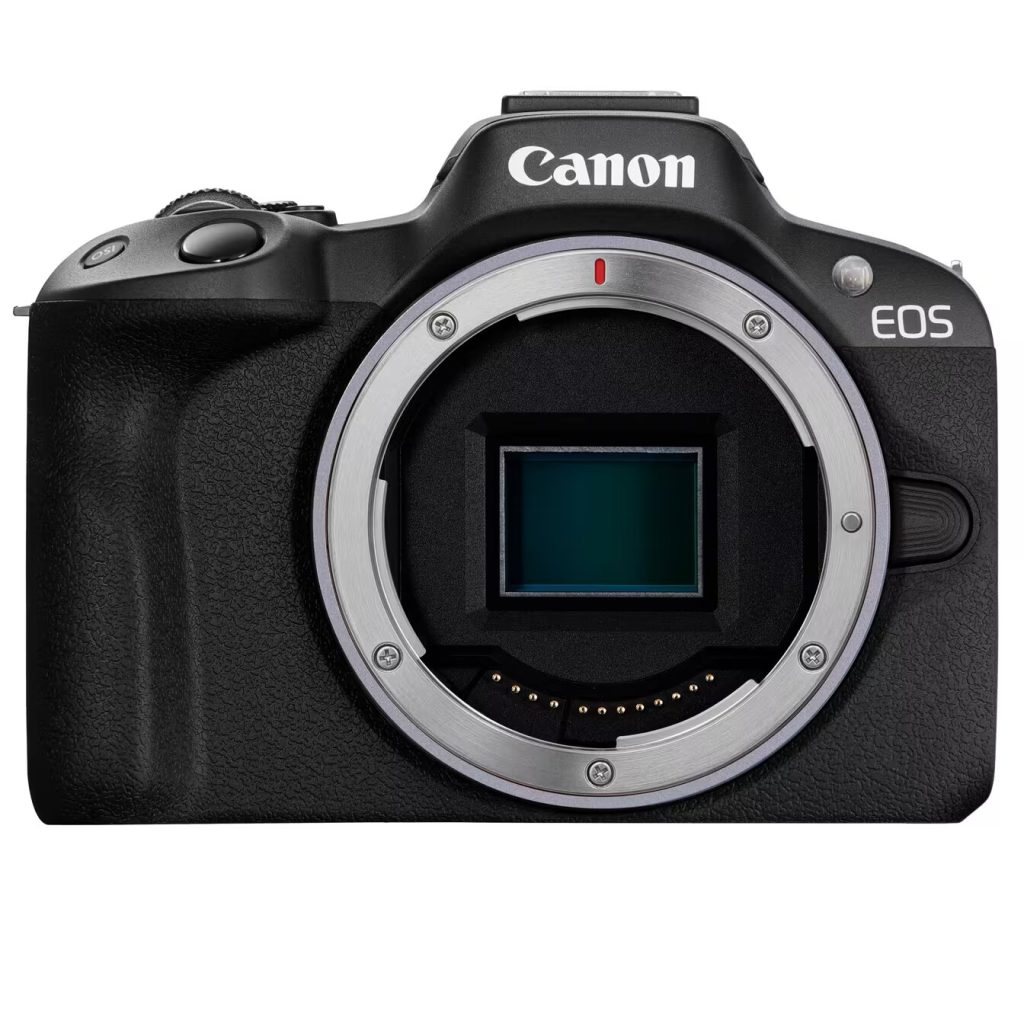
Canon R50 video specs (practical guide)
This page summarizes the EOS R50’s video modes and the SD card requirements Canon publishes, so you can pick settings that record reliably.
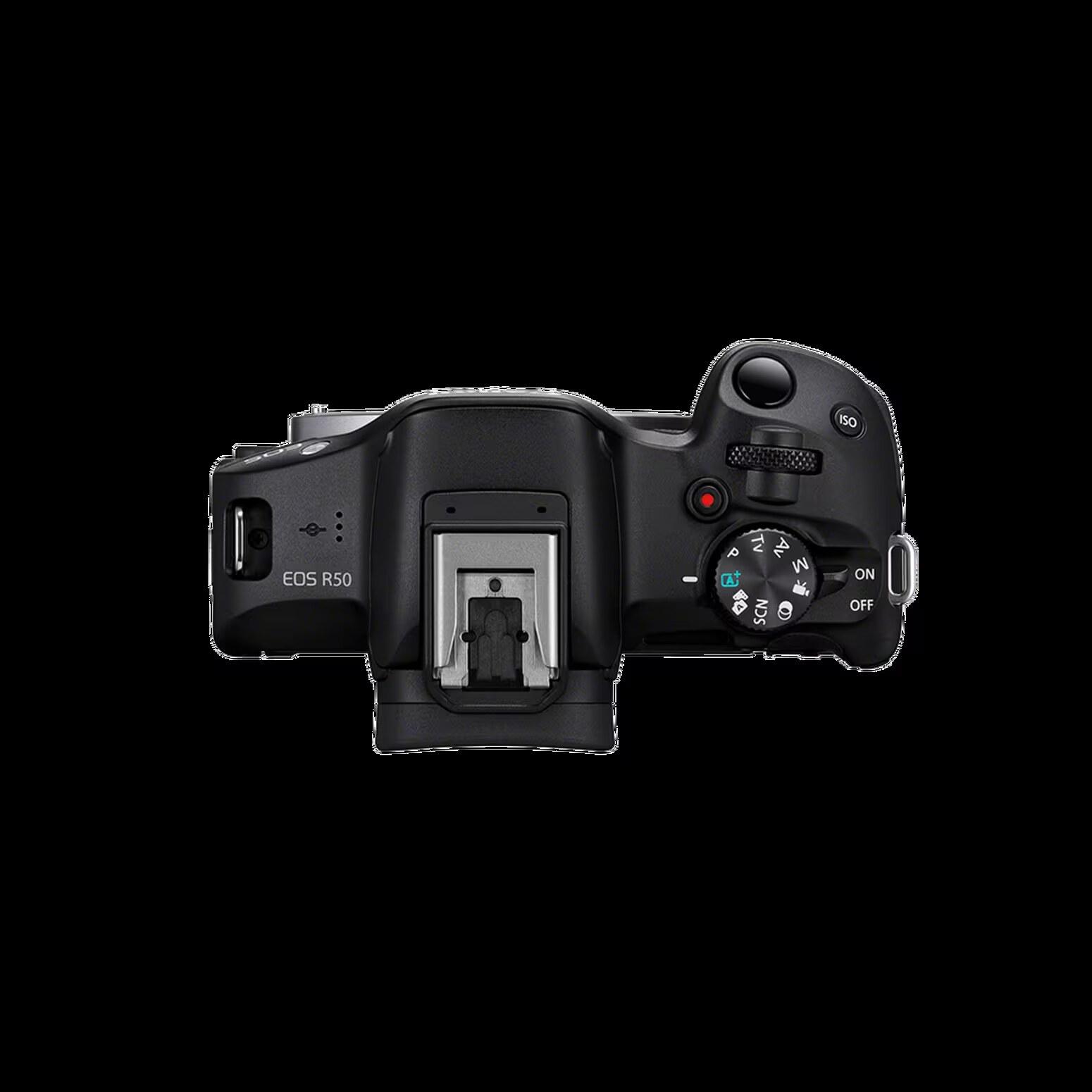
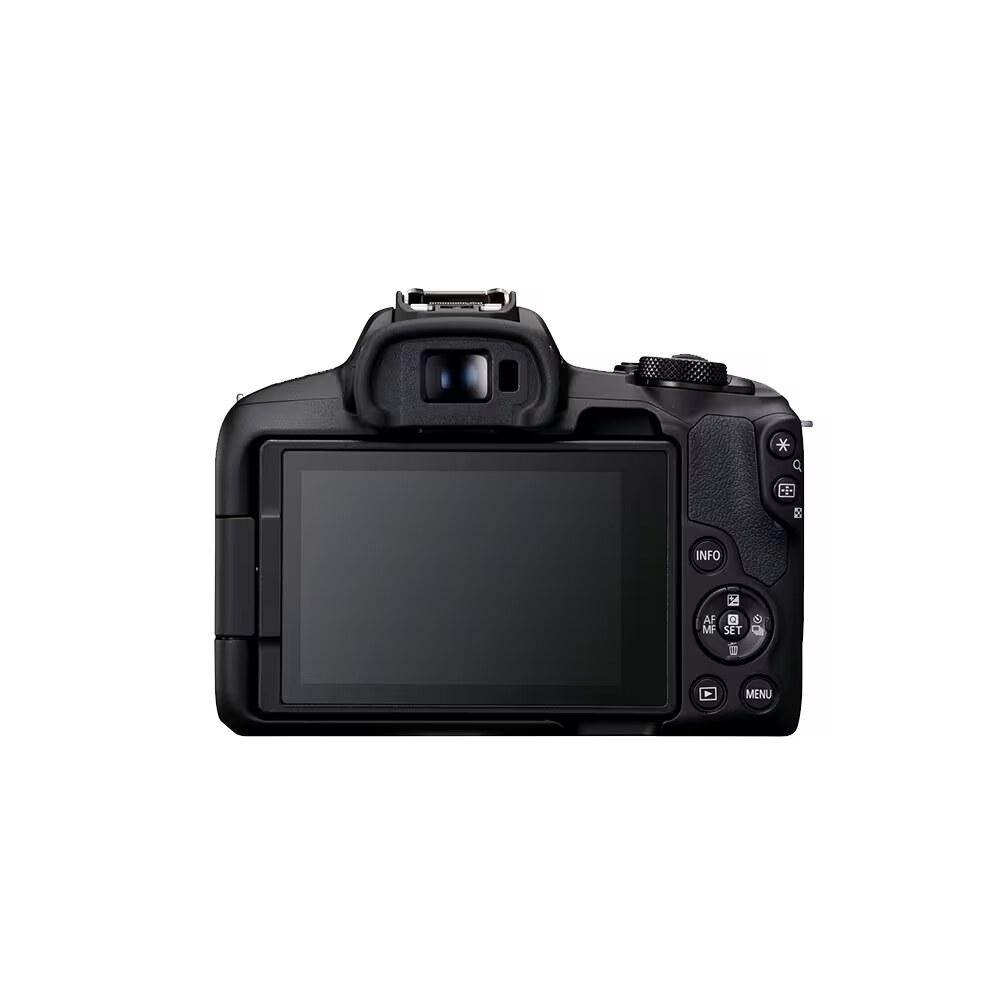
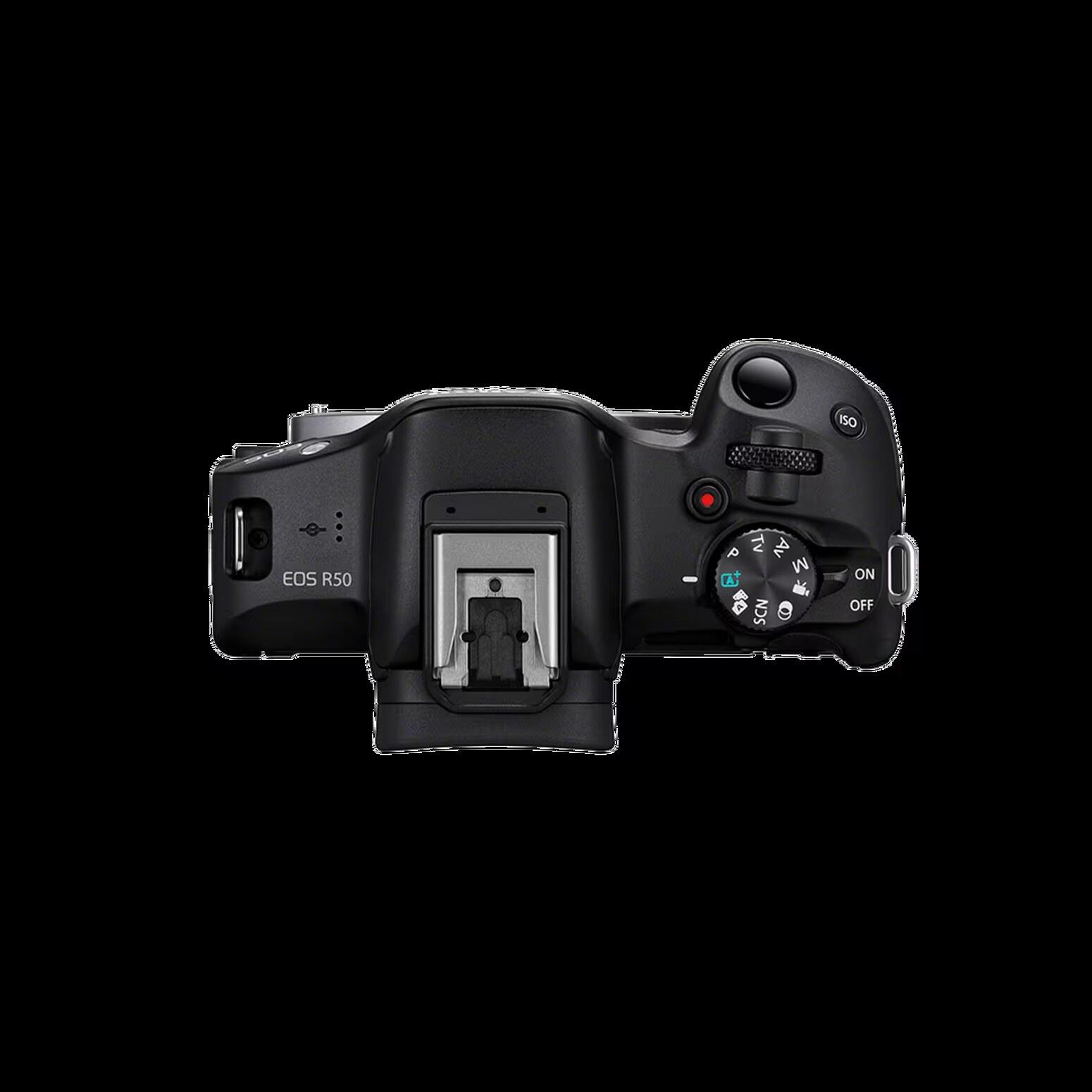
Practical framing: the R50 is strong for 4K30 and 1080 slow motion, but it’s still a compact creator-oriented body. Think “great lightweight all‑rounder,” not “unlimited production camera.”
Canon R50 Guide: See all Canon EOS R50 setup + gear answers in one place.
Table of contents
Recording sizes and frame rates (headline)
- 4K UHD: up to 29.97p / 25p / 23.98p
- Full HD: normal up to 59.94p / 50p
- Full HD High Frame Rate: up to 119.88p / 100p
Clip length and practical limits (Canon)
- Max movie duration: 1 hour per clip (excluding High Frame Rate movies)
- High Frame Rate max continuous recording: 15 minutes
- High Frame Rate audio: no audio
Internal recording vs HDR PQ
- Internal: 4:2:0 8‑bit
- HDR PQ enabled: 4:2:2 10‑bit
- Canon Log: not supported
Card performance requirements (Canon table)
- 4K IPB (Standard): UHS Speed Class 3 or higher
- 4K IPB (Light): SD Speed Class 10+ (8‑bit) / UHS Speed Class 3+ (10‑bit HDR PQ)
- Full HD 119.88/100 (Standard): UHS Speed Class 3+
- Full HD 119.88/100 (Light): SD Speed Class 10+ (8‑bit) / UHS Speed Class 3+ (10‑bit HDR PQ)
- Full HD 59.94/50 (Standard): SD Speed Class 10+ (8‑bit) / UHS Speed Class 3+ (10‑bit HDR PQ)
Storage
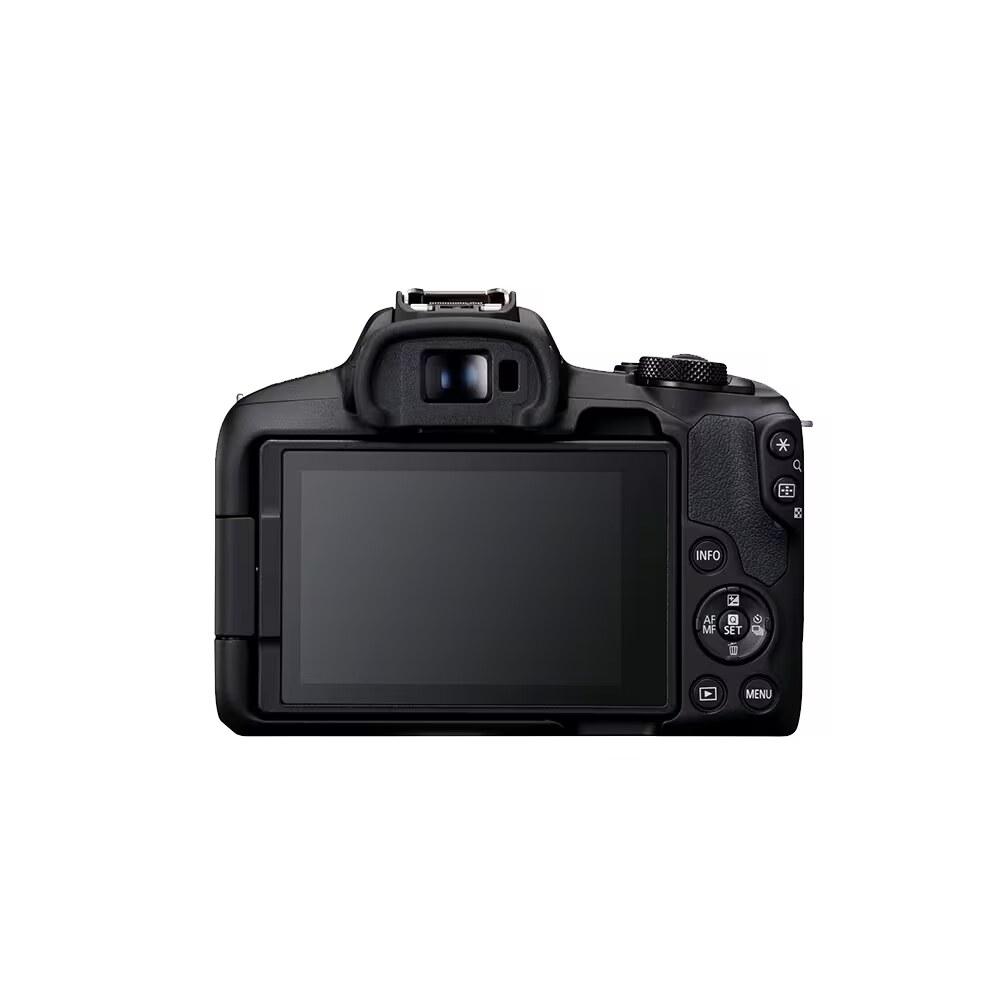
planning (Canon recording-time chart)
- 4K IPB (Standard): 25 min (32GB) / 1h 40m (128GB)
- 4K IPB (Light): 50 min (32GB) / 3h 20m (128GB)
- Full HD HFR (Standard): 23 min (32GB) / 1h 34m (128GB)
What most people should do
- Default: Full HD (1080p) for everyday shooting and the smoothest workflow.
- Use 4K when it matters: great for detail and delivery requirements, but plan around the camera’s compact-body limits (heat/time).
- SD card: buy a good UHS‑I U3/V30 SDXC (128GB sweet spot; 256GB if you shoot lots of video).
Creator connectivity notes
- Canon states the R50 can be used as a webcam over USB for video calls/streaming.
- Canon also lists HDMI output details including uncompressed YCbCr 4:2:2 10‑bit output info.
Recording limit in real use
Direct answer: the Canon R50 allows up to 1 hour per movie in normal recording modes, while High Frame Rate movies max out at 15 minutes.
For most people, the real limit is not just the headline timer. Longer recording sessions can still be shaped by heat, battery life, storage planning, and whether you are shooting normal video or HFR.
- Normal movies: up to 1 hour per clip
- High Frame Rate movies: up to 15 minutes per clip, with no audio
- Practical takeaway: the R50 is fine for everyday creator work, but for longer sessions you should test your exact mode once before trusting it for a one-shot event.
More Canon R50 help: Back to the Canon R50 Guide
