

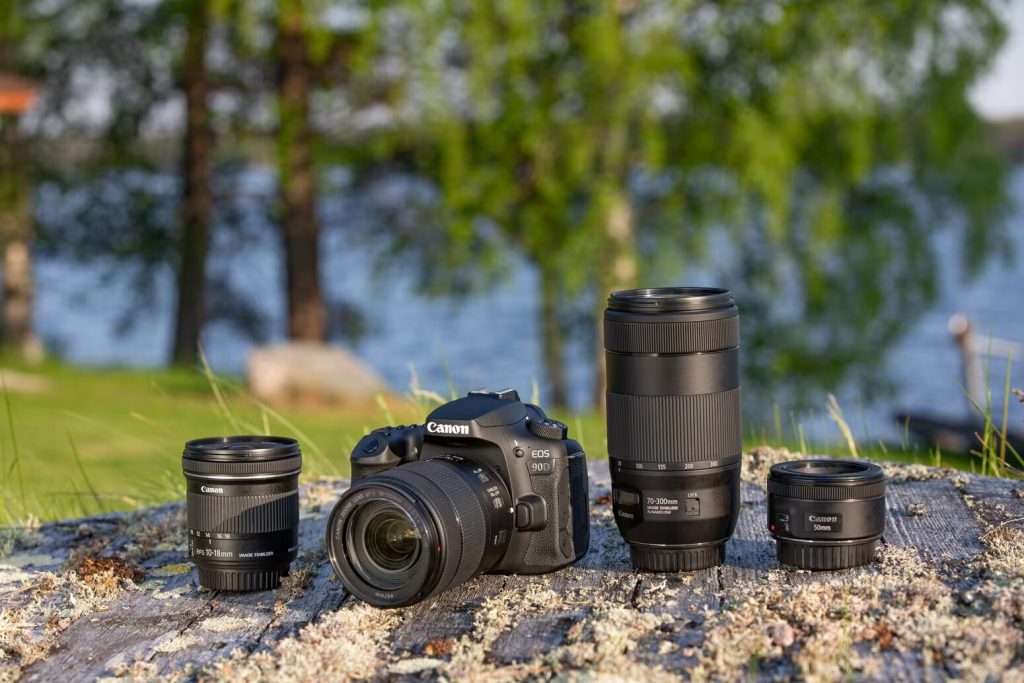
Canon 90D Guide (EOS 90D)
This hub collects the most useful Canon EOS 90D setup answers and troubleshooting guides on DSLRad. If you’re comparing newer mirrorless bodies, also see the Canon R5 Guide and the Canon R6 Mark II Guide.
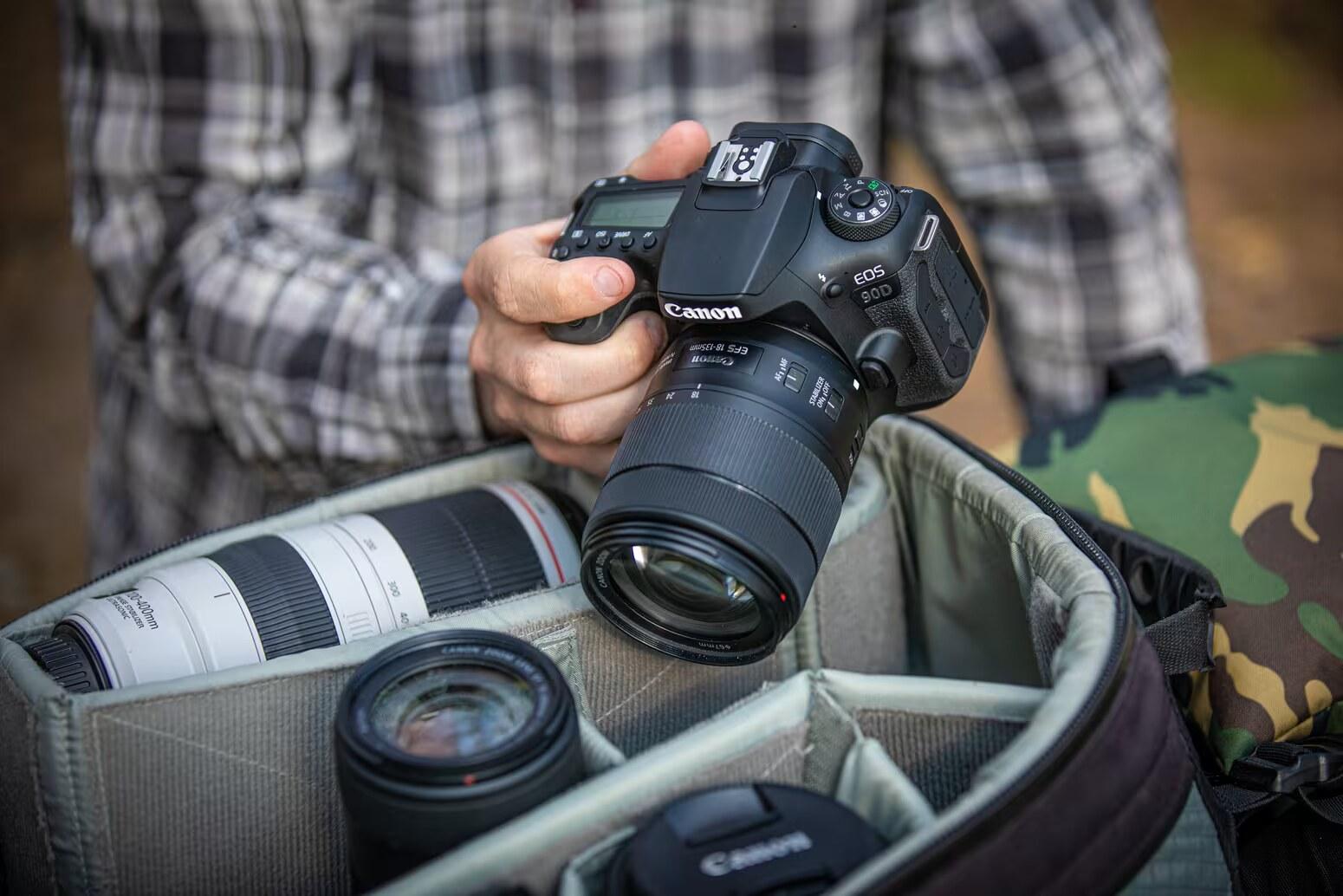
Canon 90D at a glance (manual-backed)
- Cards: SD / SDHC / SDXC supported; UHS‑II and UHS‑I cards supported. (Manual: Compatible Cards section, around p.10)
- Video image sizes: 4K (3840×2160), Full HD (1920×1080), HD (1280×720). (Manual: Movie recording size, around p.288)
- Frame rates: NTSC 59.94/29.97, PAL 50.00/25.00 (Manual: frame rate options, around p.290)
- Clip limit: non‑High Frame Rate movies max 29 min 59 sec. (Manual: Movie Recording Time Limit, around p.294)
- 4GB file behavior: Canon documents movie files exceeding 4 GB can continue recording without interruption (manual section around p.293).
Recommended SD cards (photos vs video)
Photos
- What you’re doing: JPEG/RAW stills
- Minimum (manual): SD/SDHC/SDXC; UHS‑I/UHS‑II supported
- What to buy: UHS‑I is fine for general photography; if you shoot long bursts, consider UHS‑II for faster buffer clearing
- Notes: avoid microSD adapters for UHS‑II (Canon warns using UHS‑II microSDHC/SDXC with adapters is not recommended). (Manual around p.50)
Video — Full HD
- What you’re doing: 1080p recording
- Minimum (manual): use a card meeting the manual’s “Cards that Can Record Movies” performance requirements for your chosen movie recording size. (Manual: references around p.10, p.291, table at p.617)
- What to buy: choose a quality SD with sustained write headroom; UHS‑I may be adequate depending on mode
- Notes: the required card performance varies by movie recording size
Video — 4K / high-demand modes
- What you’re doing: 4K (3840×2160), high frame rate, or long continuous takes
- Minimum (manual): card must meet the manual’s performance requirements table for the selected recording size (table at p.617)
- What to buy: a strong UHS‑II card is the safer choice for 4K reliability
- Notes: borderline cards are a common cause of recording errors/stops
Source: Canon 90D manual (Compatible Cards + Movie recording size + Movie Recording Quality Settings + card performance requirements references).
Quick links (Canon 90D)
- Canon 90D video specs (manual-backed) — sizes, frame rates, limits, and what to choose.
- Canon 90D specs (manual-backed) — key numbers + what they imply.
- How to enable silent shooting on Canon EOS 90D
- Canon EOS 90D camera profile
How to use this guide
- Setting up for video: start with the video specs page and the SD card section.
- Buying used: start with specs, then confirm card + port condition.
