

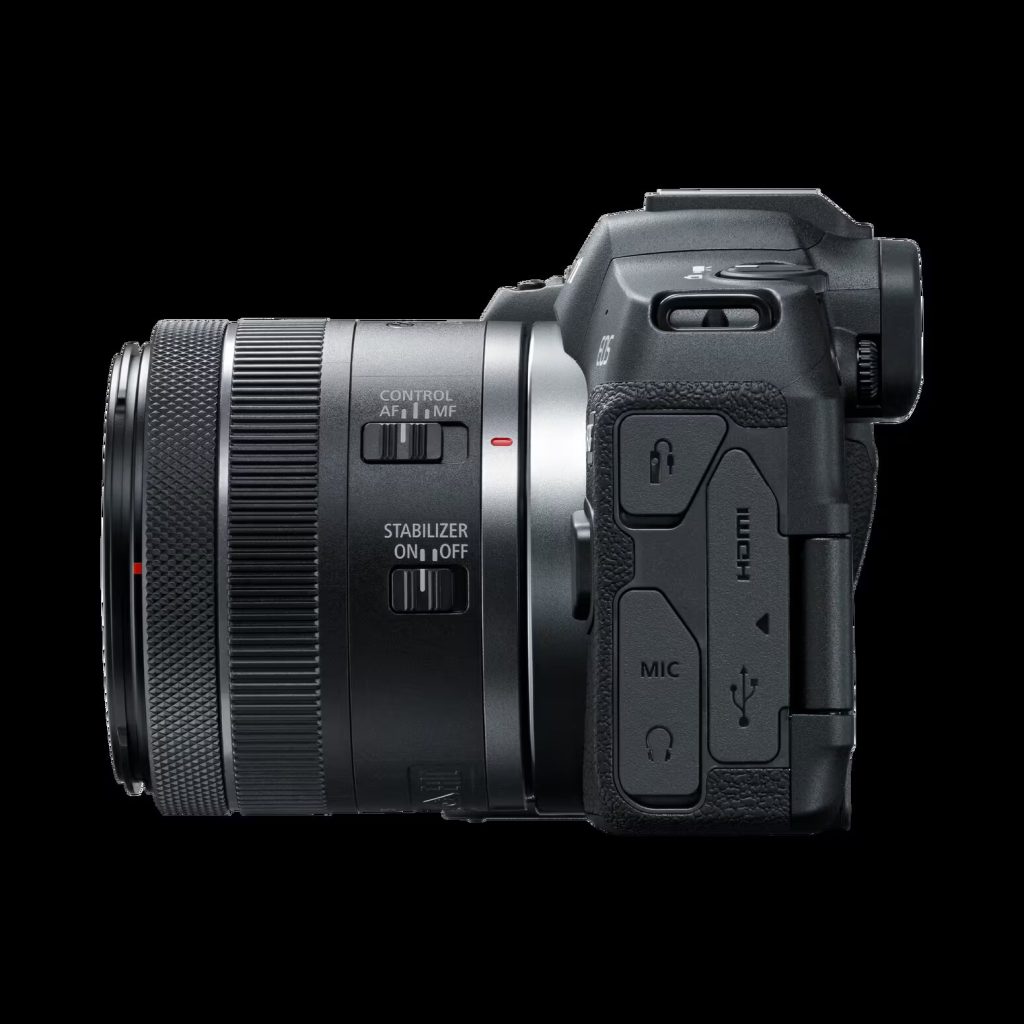
Canon R8 specs (practical spec sheet)
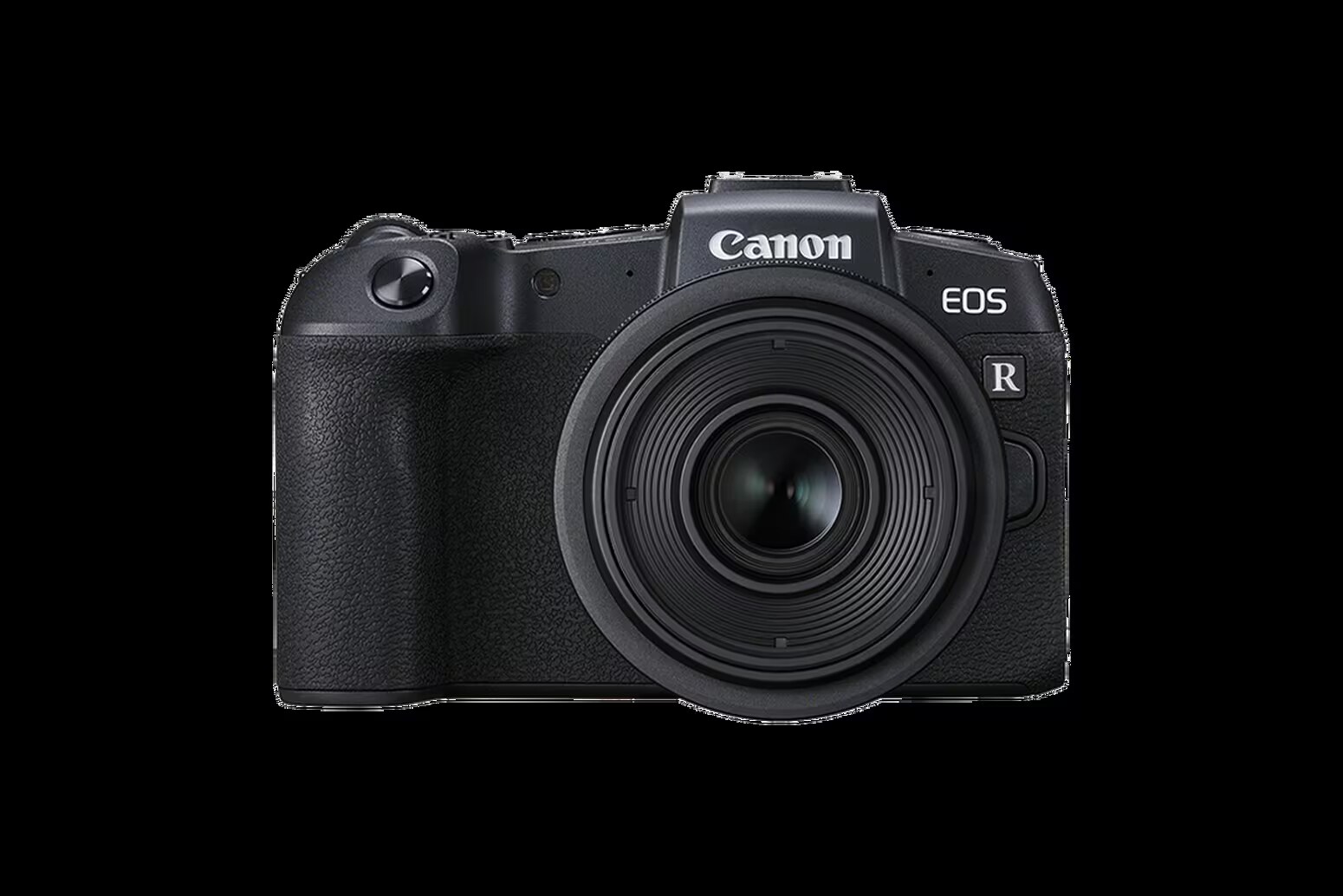
This is a practical spec sheet for the Canon EOS R8. It focuses on the workflow constraints Canon documents in the manual (card compatibility, 4GB splitting behavior, recording time limits) so you don’t get surprised mid-shoot.
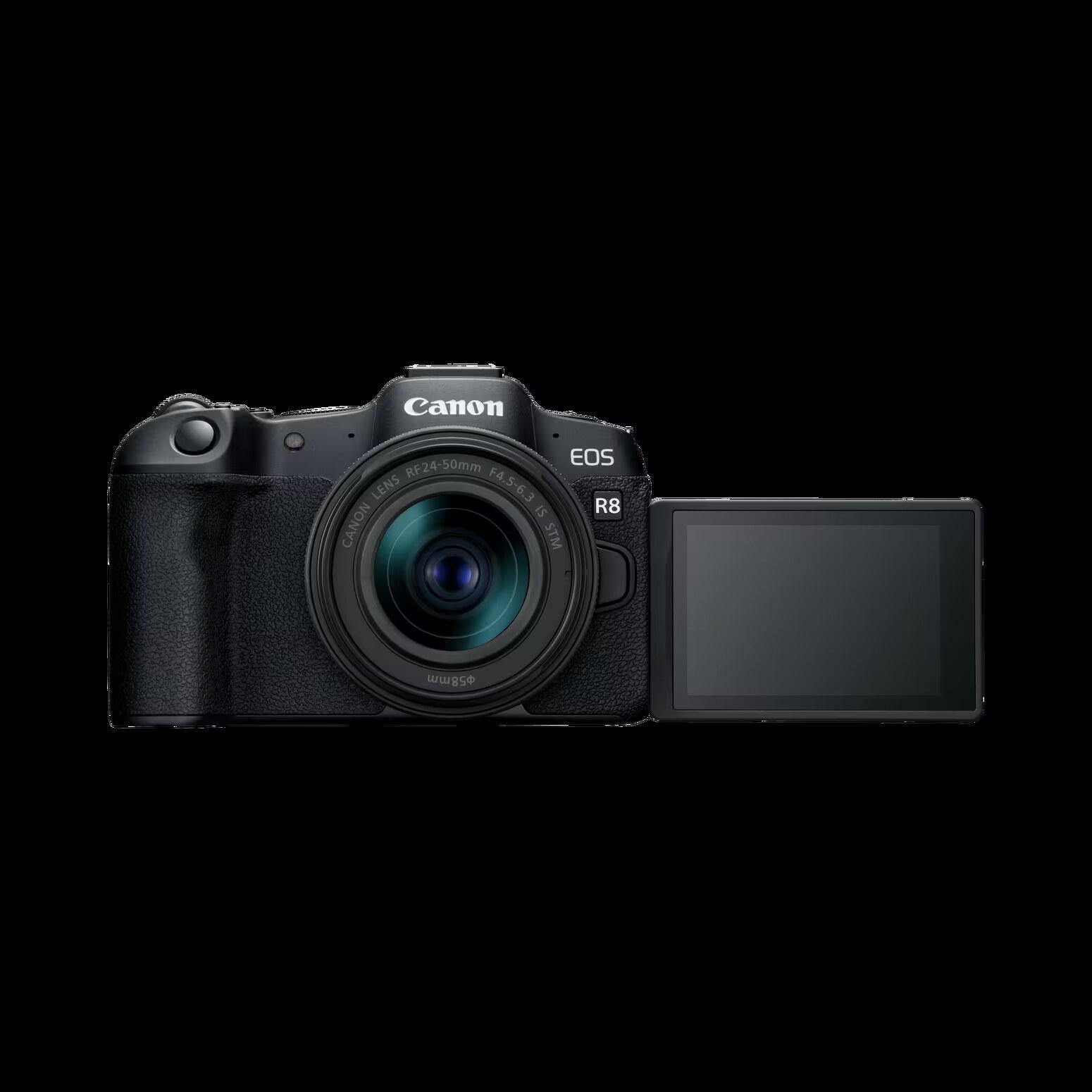
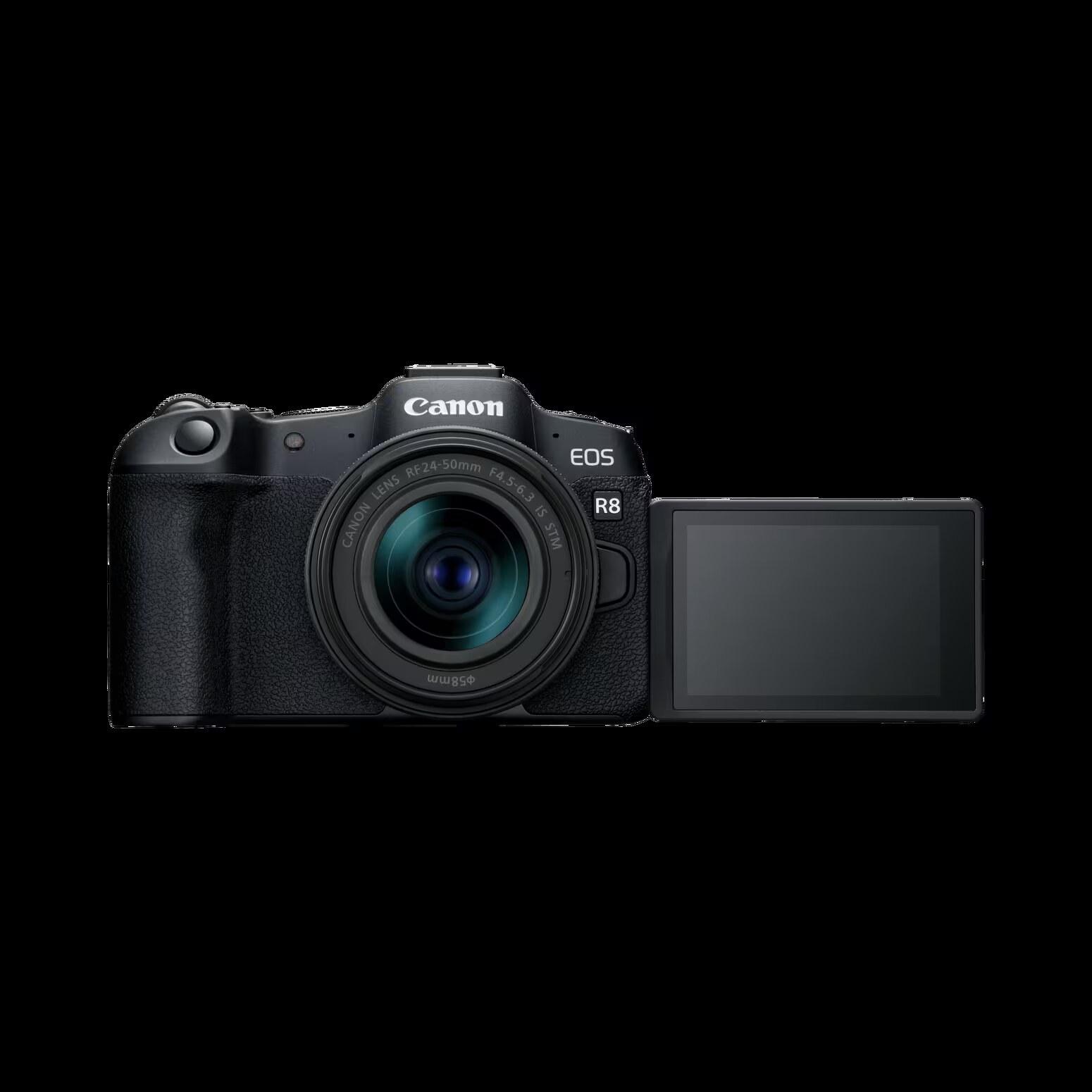
Canon R8 Guide: See all Canon EOS R8 setup + gear answers in one place.
Table of contents
Storage and SD card support (Canon manual)
- Card types: SD / SDHC / SDXC
Video workflow gotchas worth knowing (Canon manual)
Cards that can record movies
- Canon recommends formatting the card with the camera before recording movies.
- Canon points you to card performance requirements by movie recording size (mode-dependent).
- Before recording 4K movies: Canon says to format cards by selecting [Low level format] in [: Format card].
Manual: Cards That Can Record Movies
Movie files exceeding 4GB (SDHC vs SDXC)
- SDHC formatted in-camera (FAT32): movie files over 4GB are split into multiple files.
- SDXC formatted in-camera (exFAT): movies can be saved as a single file even if they exceed 4GB.
Manual: Movie Files Exceeding 4 GB
Recording time limits
- Non-High Frame Rate movies: max 2 hours per movie
- High Frame Rate: 119.88/100 fps up to 30 minutes; 179.82/150 fps up to 20 minutes
Manual: Movie Recording Time Limit
Bottom line
The EOS R8 is a compact full-frame RF body that can do serious video, but the workflow details matter: card performance by mode, 4GB splitting behavior (SDHC vs SDXC), and recording time limits. Canon documents these clearly in the manual — use that guidance to choose cards and avoid recording failures.
More Canon R8 help: Back to the Canon R8 Guide
