

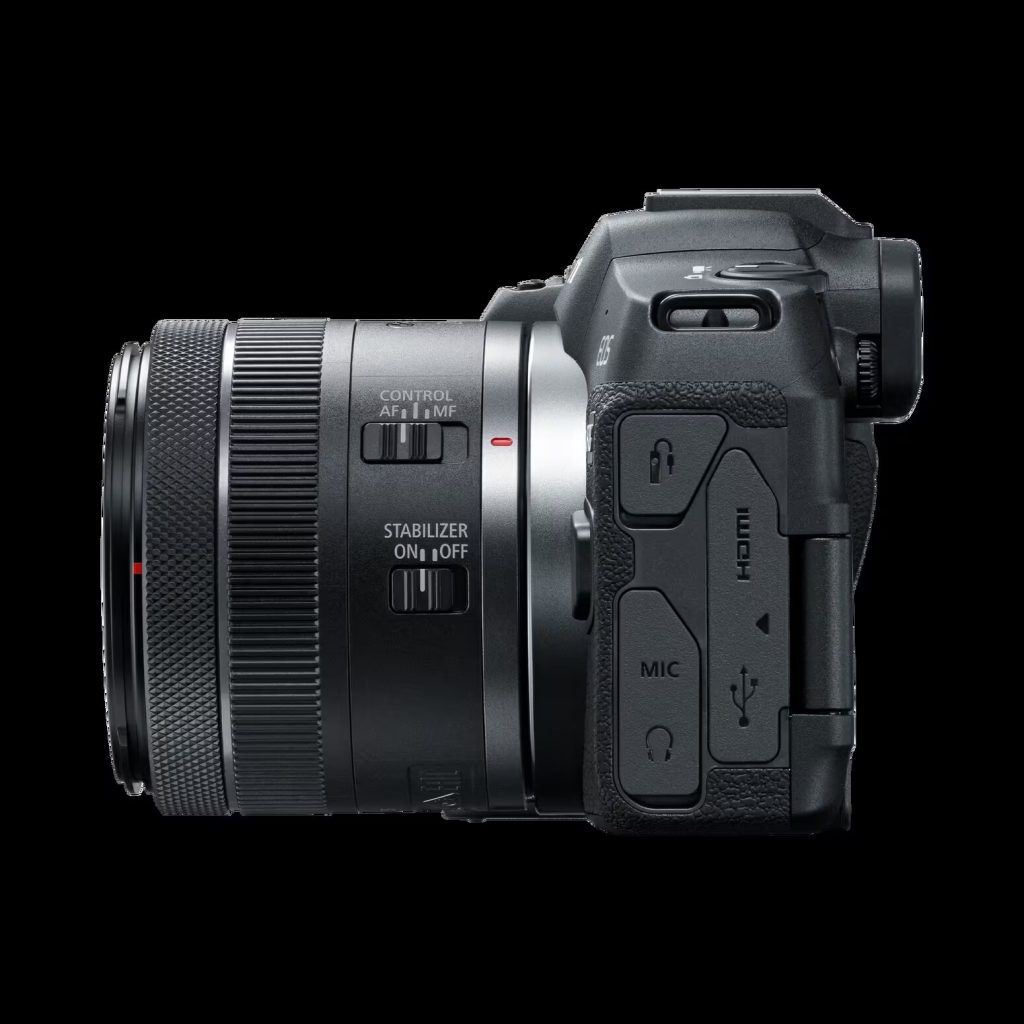
Canon R8 video specs (modes, limits, and card workflow notes)
This page is based on Canon’s EOS R8 manual sections for Movie Recording and Movie Recording Size. It focuses on the parts that actually break shoots: recording limits, card requirements, and 4GB file behavior.
Canon R8 Guide: See all Canon EOS R8 setup + gear answers in one place.
Table of contents
Recording sizes and compression
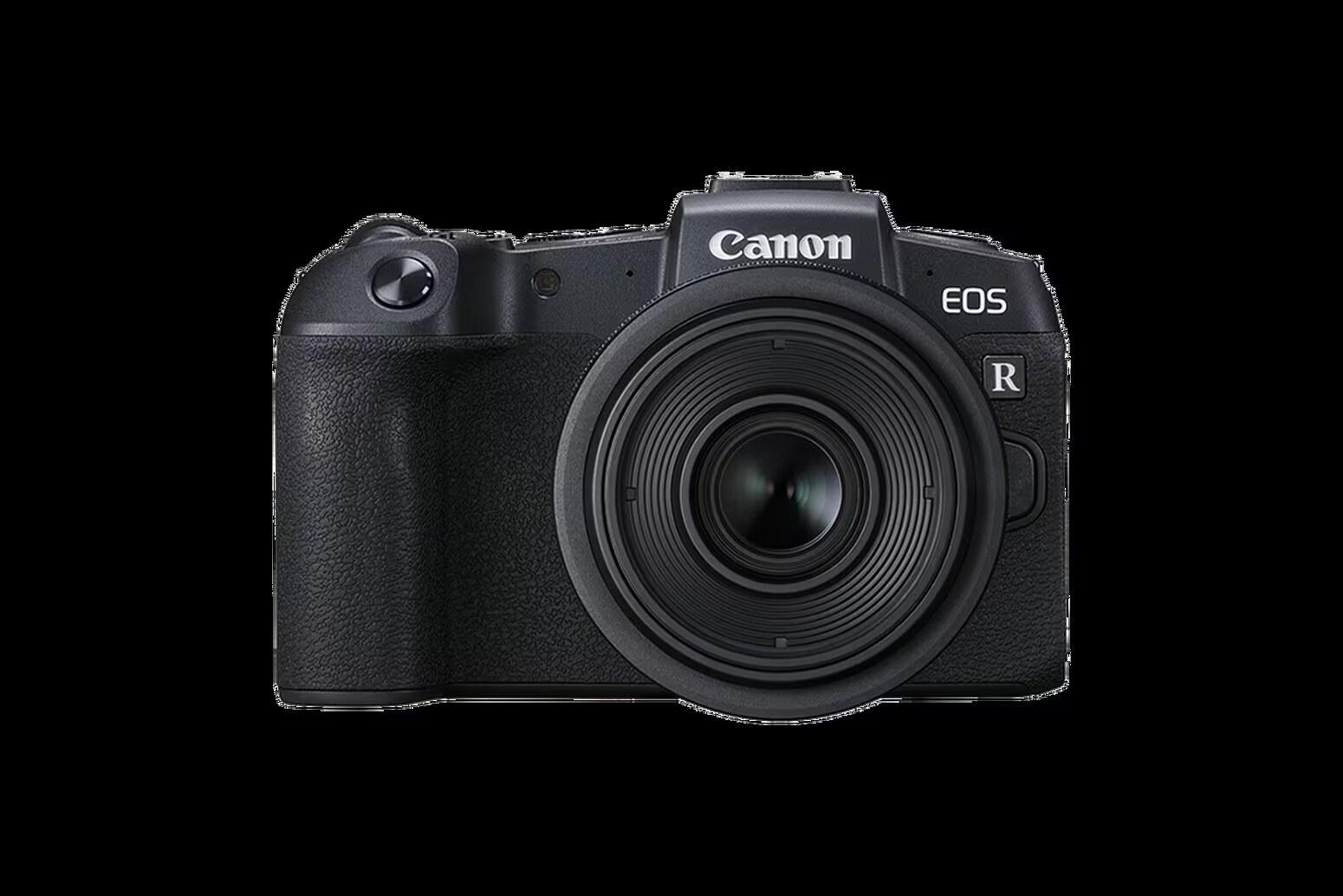
Canon lets you set recording size, frame rate, and compression method in [: Movie rec. size]. Canon also explains IPB (Standard) vs IPB (Light) and confirms movies are recorded as MP4 files.
Manual: Movie Recording Size
Image area + digital IS crop
Canon notes movie image area varies by recording size, cropping setting, and lens, and that enabling Movie digital IS further crops the image around the center.
Manual: Image Area
Cards that can record movies (Canon reliability advice)
- Format cards in-camera before recording for best performance.
- Use high-performance cards with writing speed sufficiently higher than the bit rate.
- Before recording 4K movies: Canon says to use [Low level format].
Manual: Cards That Can Record Movies
Movie files exceeding 4GB
If a Canon R8 movie file exceeds 4GB, the camera may split the recording into multiple files depending on the card format.
- SDHC (FAT32): files are split at 4GB into multiple movie files.
- SDXC (exFAT): movies can be saved as a single file even if they exceed 4GB.
That is normal file-handling behavior, not usually a sign that anything went wrong. For editing and import, you should generally treat those files as parts of the same recording workflow.
Manual: Movie Files Exceeding 4 GB
Recording time limits (Canon)
- Non-High Frame Rate: maximum 2 hours per movie
- High Frame Rate: 119.88/100 fps up to 30 minutes; 179.82/150 fps up to 20 minutes
Manual: Movie Recording Time Limit
Recording limit in real use
Direct answer: the Canon R8 allows up to 2 hours per movie for non-High Frame Rate recording. High Frame Rate modes are shorter, with 119.88/100 fps up to 30 minutes and 179.82/150 fps up to 20 minutes.
That means the practical limit is not just a simple timer. For longer recording sessions, you still need to account for heat, battery, card reliability, and the exact mode you are running.
- Normal movies: up to 2 hours per clip
- HFR 119.88/100 fps: up to 30 minutes per clip
- HFR 179.82/150 fps: up to 20 minutes per clip
- Practical takeaway: the R8 is much less boxed in than the old 29:59 generation, but long recording still needs a workflow plan.
Manual: Movie Recording Time Limit
More Canon R8 help: Back to the Canon R8 Guide
