

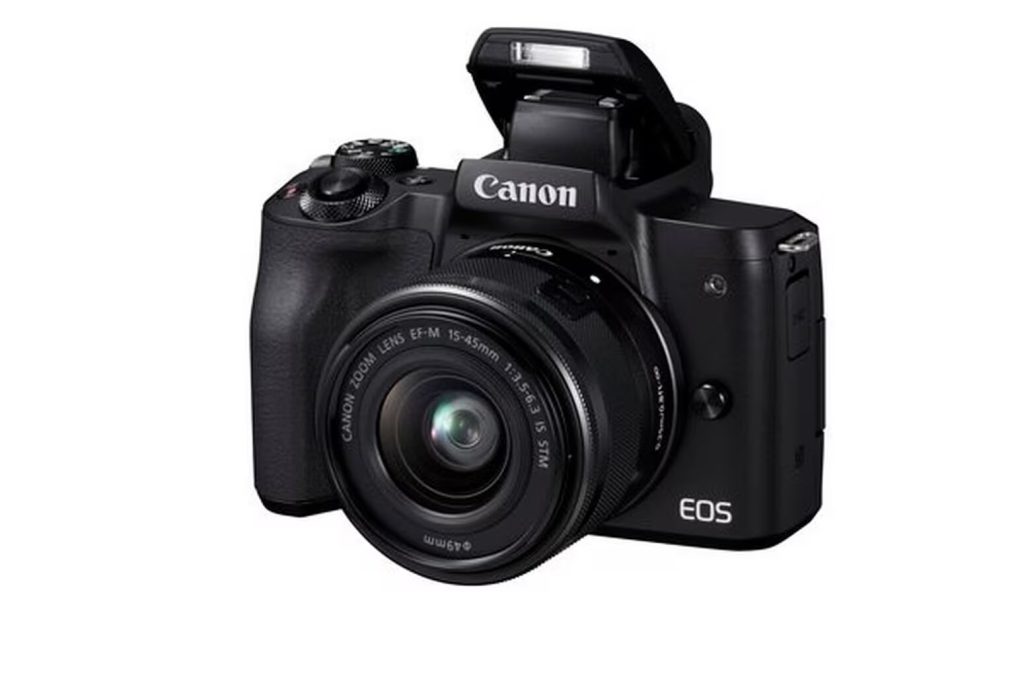
Canon M50 video specs (what it records and what to choose)
This page summarizes the EOS M50’s video modes in a way that helps you pick settings that won’t burn you on a real shoot.
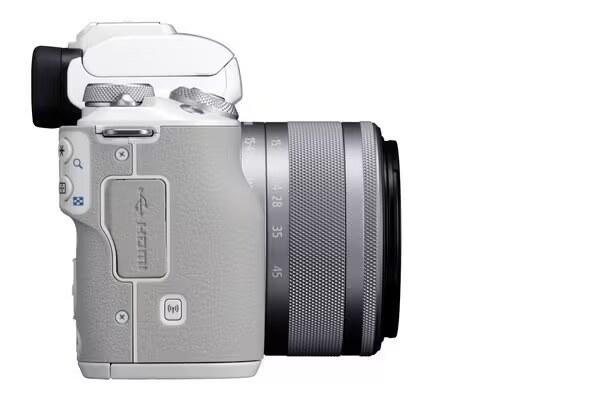
Canon M50 Guide: See all Canon EOS M50 setup + gear answers in one place.
Table of contents
Resolutions and frame rates (headline)
- 4K UHD: up to 24p
- Full HD: up to 60p
- HD: up to 120p
What most people should use
- Default choice: 1080p (Full HD) for the best all-round experience.
- Why: the original M50’s 4K mode is more limited than its 1080p modes. Treat 4K as a controlled/intentional mode rather than run-and-gun.
SD card guidance for video
Recommended card
- Buy: UHS‑I U3 / V30 SDXC (64–128GB)
- Why: Canon states the M50 supports UHS‑I; paying for UHS‑II doesn’t buy much here
Reliability checklist (before a real shoot)
- Do a 5–10 minute test recording in your chosen mode.
- Confirm autofocus behavior in your exact mode (especially if you insist on 4K).
- Carry at least one spare LP‑E12 battery if filming.
More Canon M50 help: Back to the Canon M50 Guide
