


Canon R10 video specs (practical guide)
This page summarizes what the EOS R10 can record (4K/1080/HFR), the key limits, and the SD card performance guidance Canon includes in the official manual.
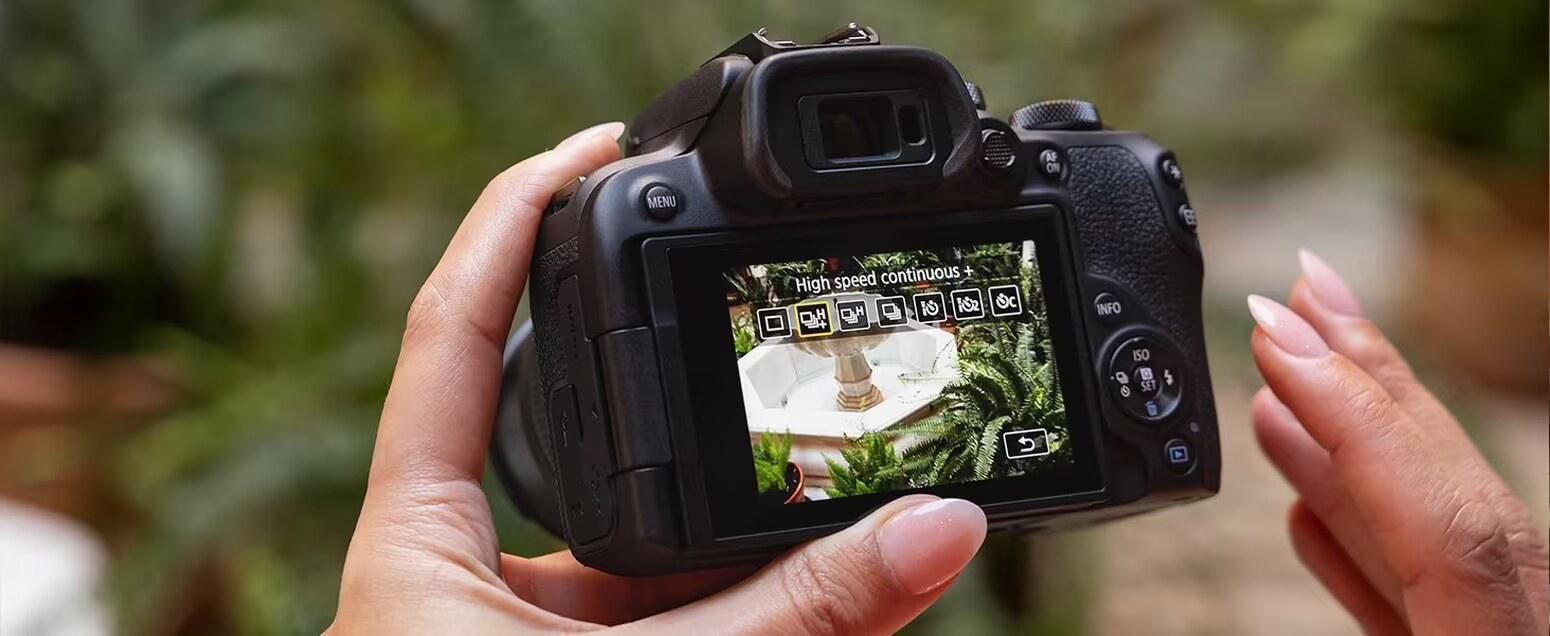

Canon R10 Guide: See all Canon EOS R10 setup + gear answers in one place.
Table of contents
Recording sizes and frame rates (headline)
- 4K UHD: up to 59.94p / 50p
- Full HD: up to 119.88p / 100p
- Movie format: MP4
Manual source: Movie Recording Size (UG-05_Shooting-2_0040)
Clip length + key limits (Canon)
- Normal movies: max 2 hours per movie
- High Frame Rate movies: max 30 minutes per movie
Manual source: Movie Recording Time Limit
Image area + additional cropping
Canon notes the movie image area varies depending on the recording-size setting, and also warns that enabling Movie digital IS will crop the image further around the center.
Manual source: Image Area
Cards that can record movies (manual guidance)
- Canon recommends formatting cards in-camera for best performance before recording movies.
- Canon explicitly says: use high-performance cards with writing speed sufficiently higher than the movie bit rate.
- Canon notes a specific 4K prep tip: before recording 4K movies, format cards using [Low level format] in the camera.
Manual source: Cards That Can Record Movies
Movie files exceeding 4GB (manual detail)
If your Canon R10 movie files go over 4GB, that does not automatically mean the recording failed.
- SDHC formatted in-camera (FAT32): movies over 4GB are split into multiple files.
- SDXC formatted in-camera (exFAT): the camera can save the movie as a single file even if it exceeds 4GB.
In practice, that is normal file-handling behavior. You should usually expect the clips to import and edit as parts of the same recording workflow, even if the camera saved them as multiple files.
Manual source: Movie Files Exceeding 4 GB
Recording limit in real use
Direct answer: the Canon R10 allows up to 2 hours per movie for normal movies and up to 30 minutes per movie for High Frame Rate movies.
That is the official per-clip cap, but in real use your longer-session limit can still come down to heat, battery life, card reliability, and whether you are ready to restart a clip before an important moment.
- Normal movies: up to 2 hours per clip
- High Frame Rate movies: up to 30 minutes per clip
- Practical takeaway: for interviews, events, or long takes, rehearse once in your exact mode so you know whether the real constraint is the timer or the rest of your setup.
Manual source: Movie Recording Time Limit
4K60 crop in practical use
Direct answer: yes, the Canon R10’s 4K 60p mode is cropped, so your framing will look tighter than wider video modes.
In practical use, that means you should plan lens choice and camera distance around the crop before you start recording. If you need slow-motion-friendly 4K60 but still want a wide shot, go wider on the lens or step back before you hit record.
- What changes: the field of view tightens in 4K60 compared with wider modes
- What to do: test your framing once in the exact mode you plan to use
- Who gets caught out: tripod shooters, talking-head setups, and small indoor spaces where there is not much room to step back
More Canon R10 help: Back to the Canon R10 Guide
