

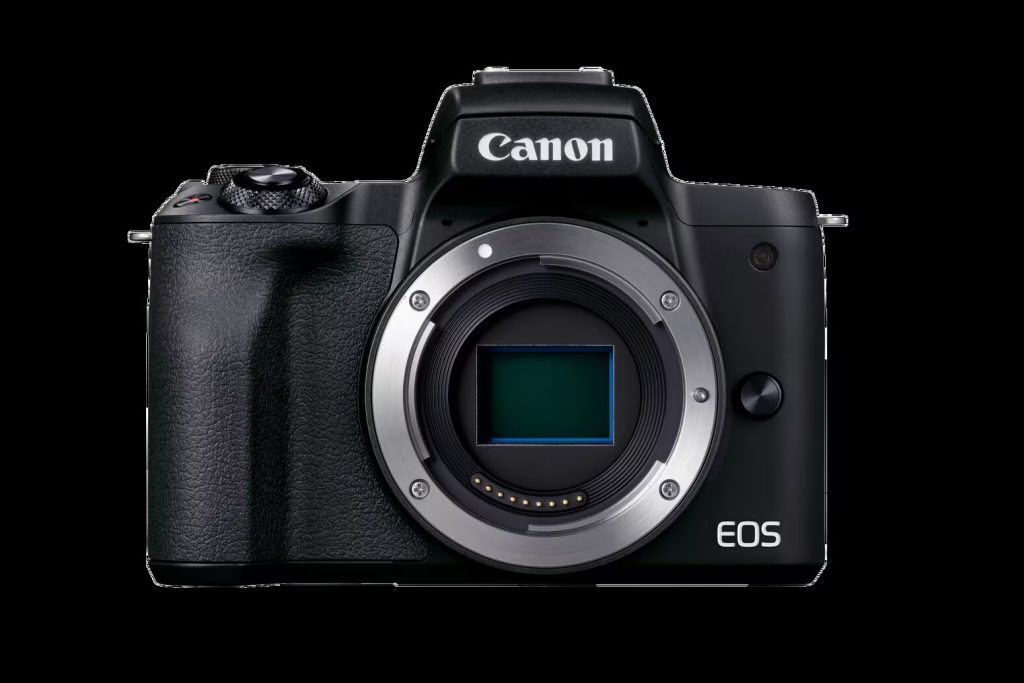
Canon M50 Mark II video specs (practical guide)
This page focuses on what you actually need for reliable video on the EOS M50 Mark II: the key modes, what they’re good for, and the SD card requirements Canon publishes for each mode.
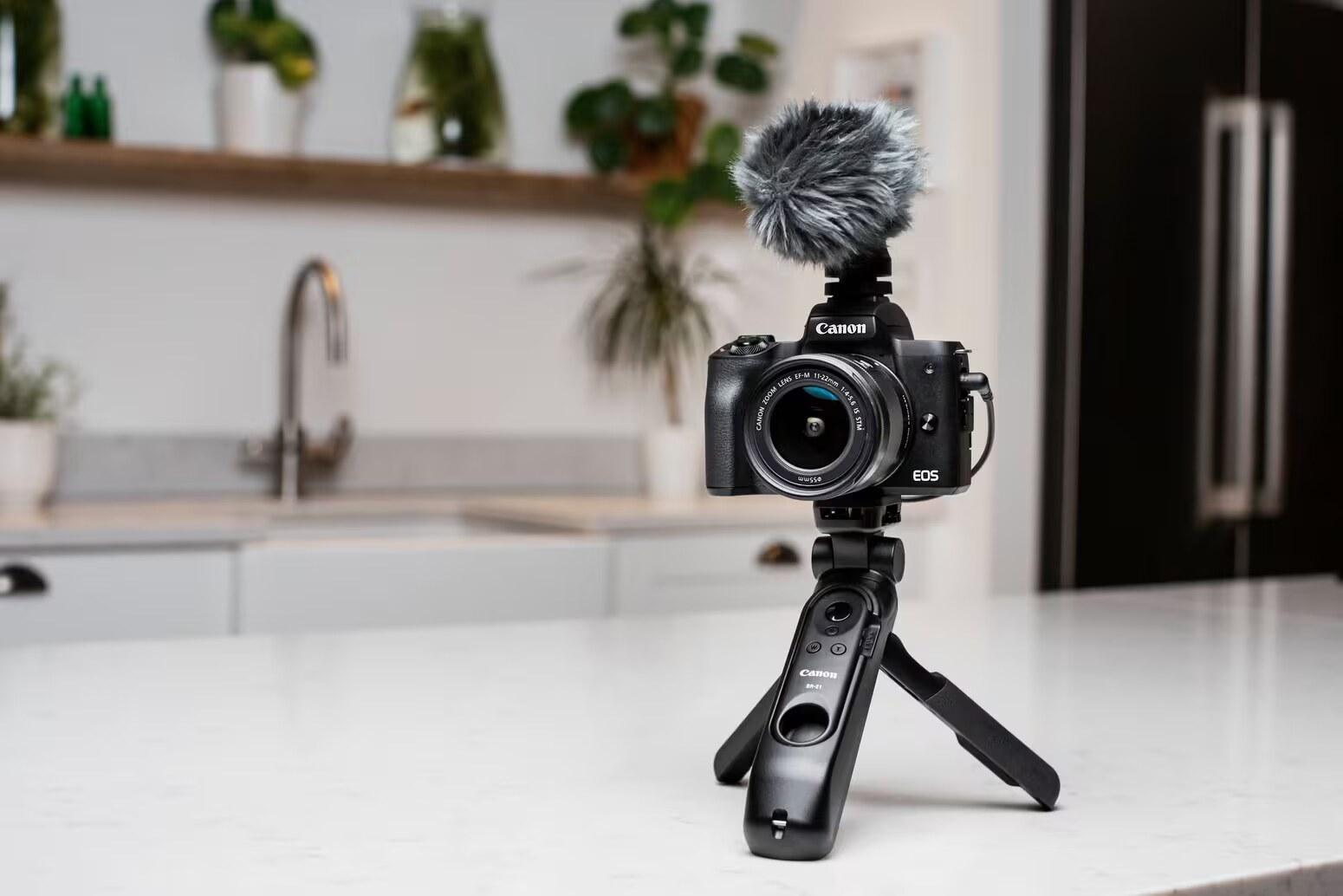
Canon M50 Mark II Guide: See all Canon EOS M50 Mark II setup + gear answers in one place.
Table of contents
Recording sizes and frame rates (Canon spec table)
- 4K (UHD): 3840 × 2160 @ 23.98 fps (IPB)
- Full HD: 1920 × 1080 @ 59.94 / 29.97 / 23.98 fps (IPB)
- HD: 1280 × 720 @ 59.94 fps (IPB)
- High Frame Rate: 1280 × 720 @ 119.88 fps
Card performance requirements (Canon table)
- 4K 23.98 (IPB): UHS‑I, UHS Speed Class 3 or higher
- 1080 59.94 (IPB): SD Speed Class 10 or higher
- 1080 29.97 (IPB): SD Speed Class 6 or higher
- 720 59.94 (IPB): SD Speed Class 4 or higher
- 720 119.88: SD Speed Class 10 or higher
Choosing settings (what most people should do)
- Default: 1080p for the smoothest everyday workflow.
- Use 4K when you need it: it’s available, but the Mark II’s main value proposition is creator workflow and output options, not being a dedicated 4K powerhouse.
Storage

planning (Canon’s recording-time chart)
- 32GB: ~35 min 4K; ~1h 10m 1080/60p; ~2h 20m 1080/30p
- 128GB: ~2h 21m 4K; ~4h 43m 1080/60p; ~9h 23m 1080/30p
Recommended card (simple)
- Buy: UHS‑I U3 / V30 SDXC
- Capacity: 128GB is the sweet spot; 256GB if you shoot lots of video
Creator connectivity highlights (Canon positioning)
- Clean HDMI
- USB output
- 3.5mm mic input
- Wi‑Fi + Bluetooth
More Canon M50 Mark II help: Back to the Canon M50 Mark II Guide
